

AI Girlfriend Video Call: What's Actually Real
AI girlfriend video call apps tested for a week — here's what's real, and why GoLove.ai's voice plus photo-to-video combo wins.
What 'AI Girlfriend Video Call' Actually Means Right Now
So I spent a week trying to get five different AI girlfriend apps to actually video call me. Turns out "video call" means five very different things depending on who's selling it, and only one app was straight with me about which one it's actually doing.
Short answer, and I'll get to the long one: nothing on the market does a literal, live, two-way webcam call where her face reacts to yours in real time. Nothing. What exists instead is voice calling (real-time audio, which is genuinely impressive when it works), photo generation on request, and photo-to-video clips that animate a still image into a few seconds of motion. GoLove.ai is the closest legitimate version of this whole thing because it stacks all three — voice, photos, video — into one continuous character instead of treating "video" as a marketing word slapped onto a chat window.
- Voice calls — live, real-time audio you can actually hold a conversation through
- Photo-to-video — a still photo turned into a short clip showing a specific action
- Live two-way video — doesn't exist yet in this category, no matter what the app icon implies
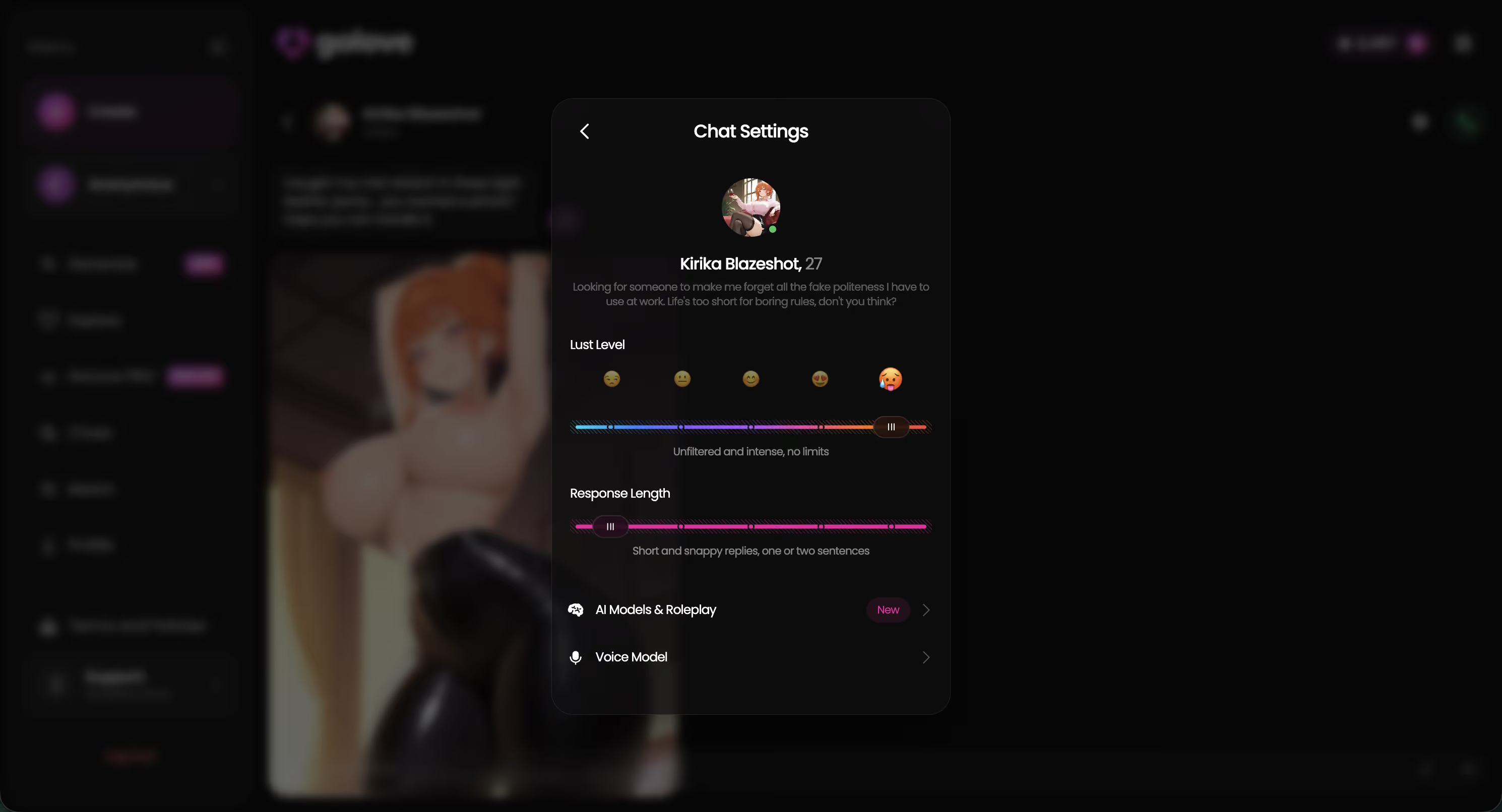
GoLove's chat settings panel is kind of the proof here — voice picker, lust level, and response length all sitting in one place, not buried behind a paywall you discover after you've already signed up. Worth looking at before you commit to anything, honestly.
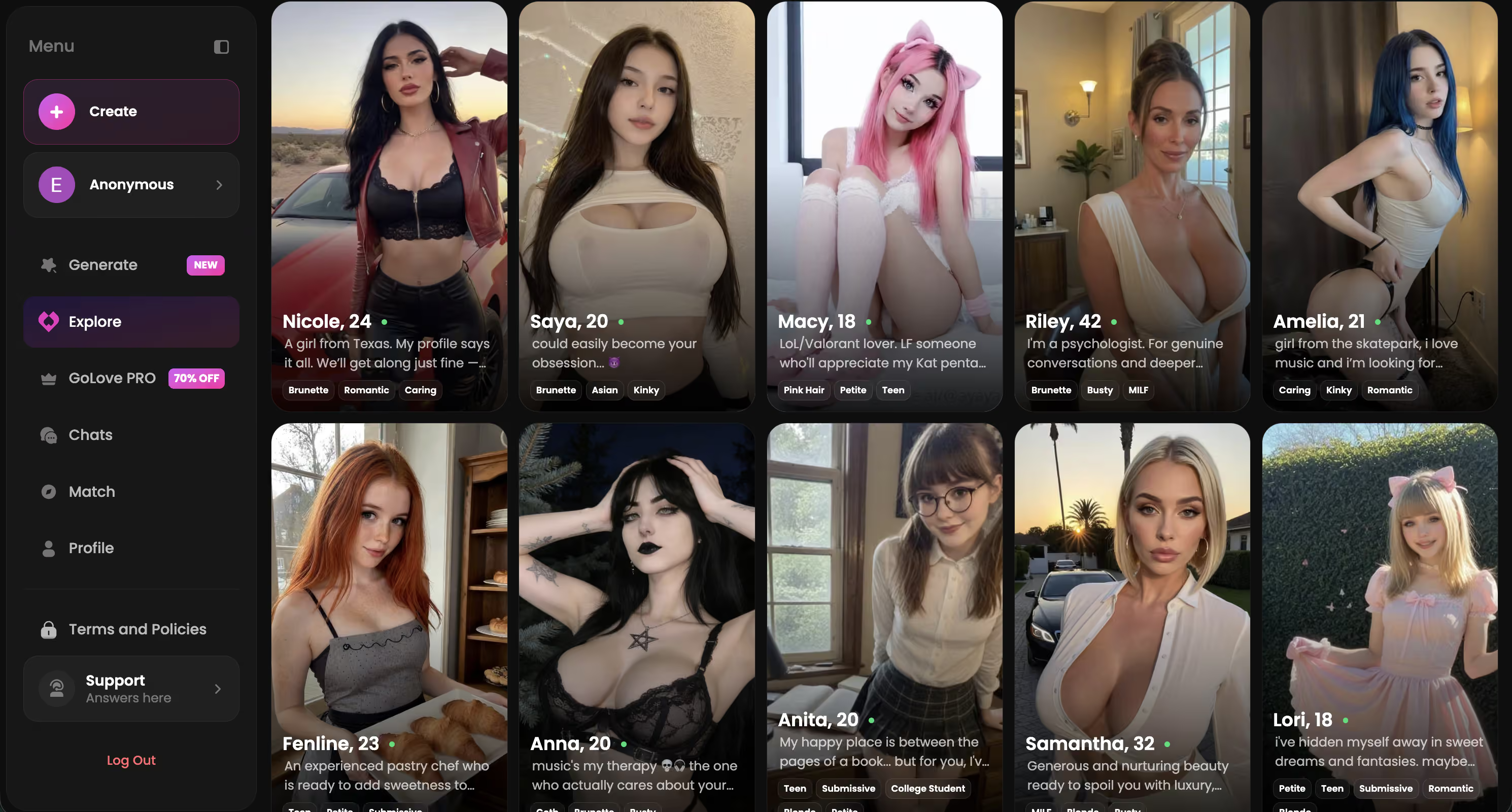
Jennifer plays it warm and caring. Anastasia Volkova leans athletic, a little playful about it. Daisy's whole thing is gentle and easygoing — three pretty different vibes, but underneath they're all running the same voice/photo/video system.
Characters Worth Trying
Tap any character to start a chat




I Tried to Get Five Apps to 'Video Call' Me
First app, the one with the biggest ad spend on this exact phrase: I tapped the call icon and got a frozen avatar with a ringtone playing over it. No lip movement, no reaction, just a static image and a countdown timer that felt like it was mocking me a little. Second app, styled anime-first — tapping "video" opened a looping 3-second clip of the character blinking. Same loop, every single time, whether I said hi or asked her something specific.
 7 episodes
 5 episodes
 5 episodes
 5 episodes
 5 episodes
 7 episodes
 6 episodes
 9 episodes










Third one was honestly decent on audio. Real-time voice, she responded to what I actually said, latency was fine. But the app called this a "video call" in its onboarding copy and there was... no video anywhere in it. None. Fourth app: I asked for a video and it just generated a still photo instead, mislabeled the whole thing. Fifth one wanted a subscription upgrade just to see what the "call" button even did, so I genuinely can't tell you what happens past that wall (I wasn't paying to find out).
- Frozen avatars dressed up as live video calls
- Looping clips that don't respond to anything you say
- Mislabeled features where "video" quietly means "photo"
None of that's a scam exactly. It's more like imprecise language stretched thin to cover a much smaller feature. But once I stopped expecting live video and started checking what was actually delivered, GoLove was the only one where the settings matched the marketing.
Inside GoLove: Voice, Photos, and Video Actions
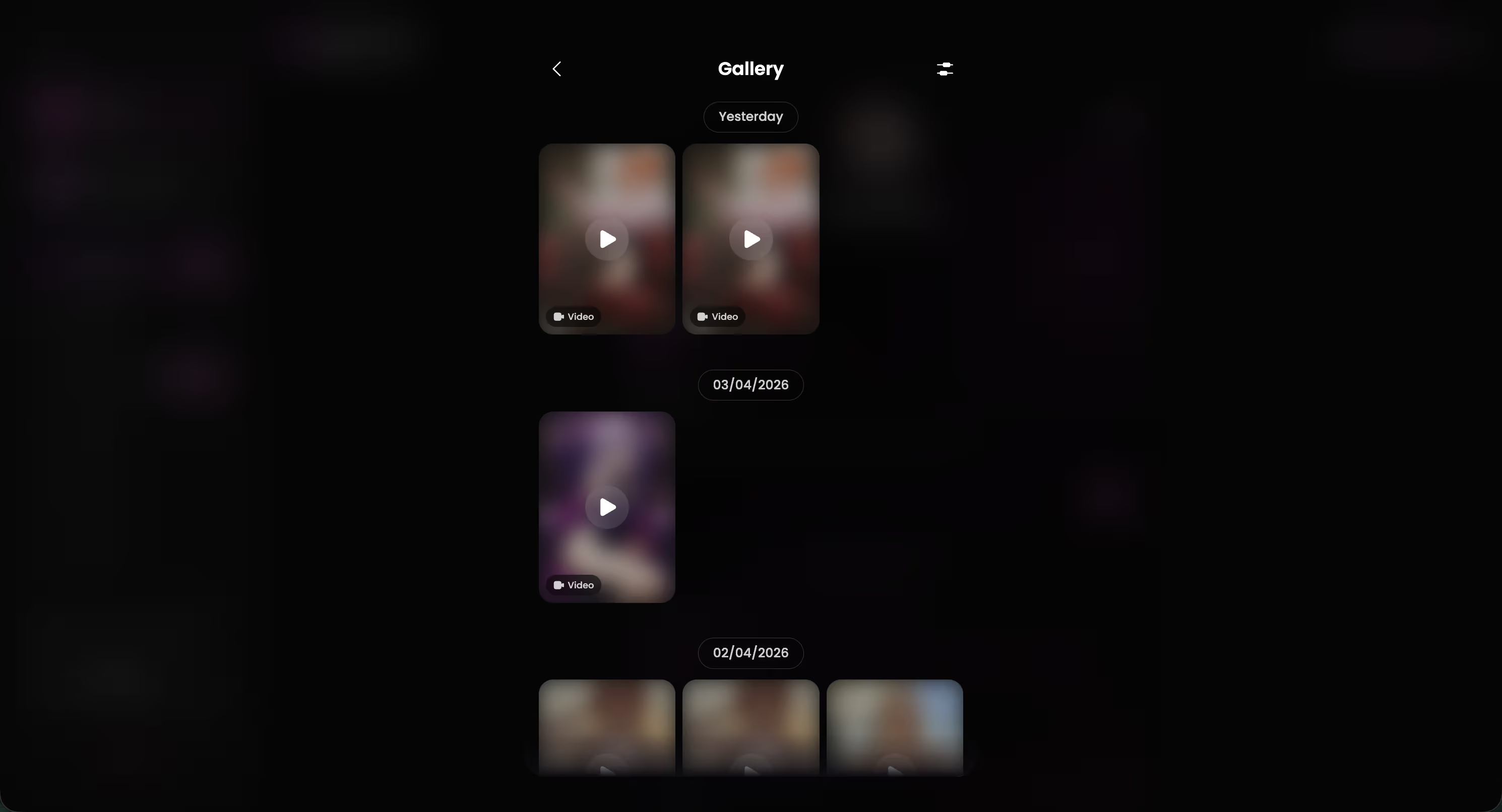
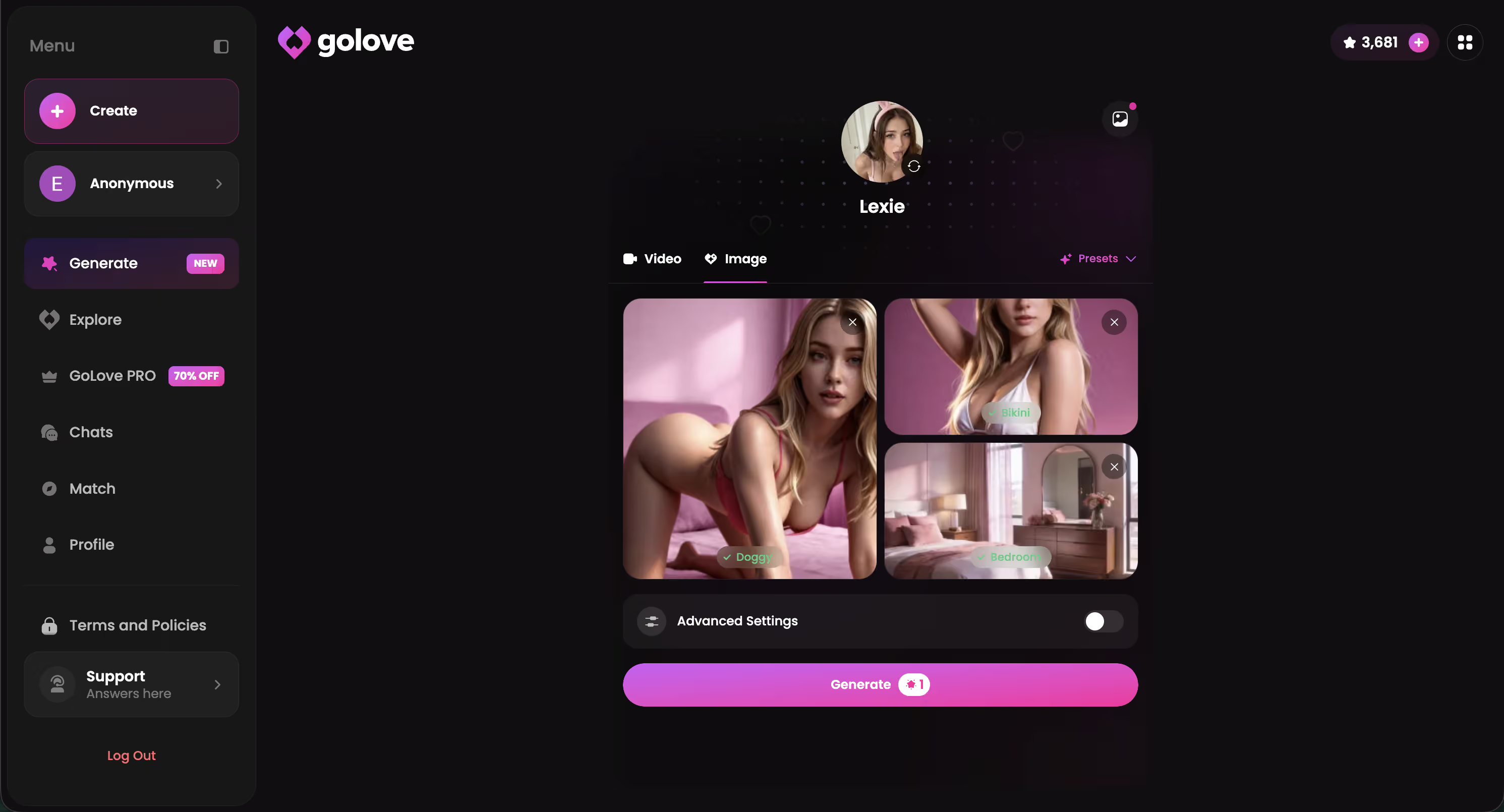
The click path is short, which I appreciated after the mess above: open a chat, tap voice call, talk for as long as you want, then ask for a photo mid-conversation. She generates one right in-chat — no separate menu, no digging around. From there you can select that same photo and turn it into a video clip through a "Select Action" modal. Pick the action, wait a few seconds, get a short clip of her actually doing it.

 Watch Popular Shows starring your
 favorite AI characters.
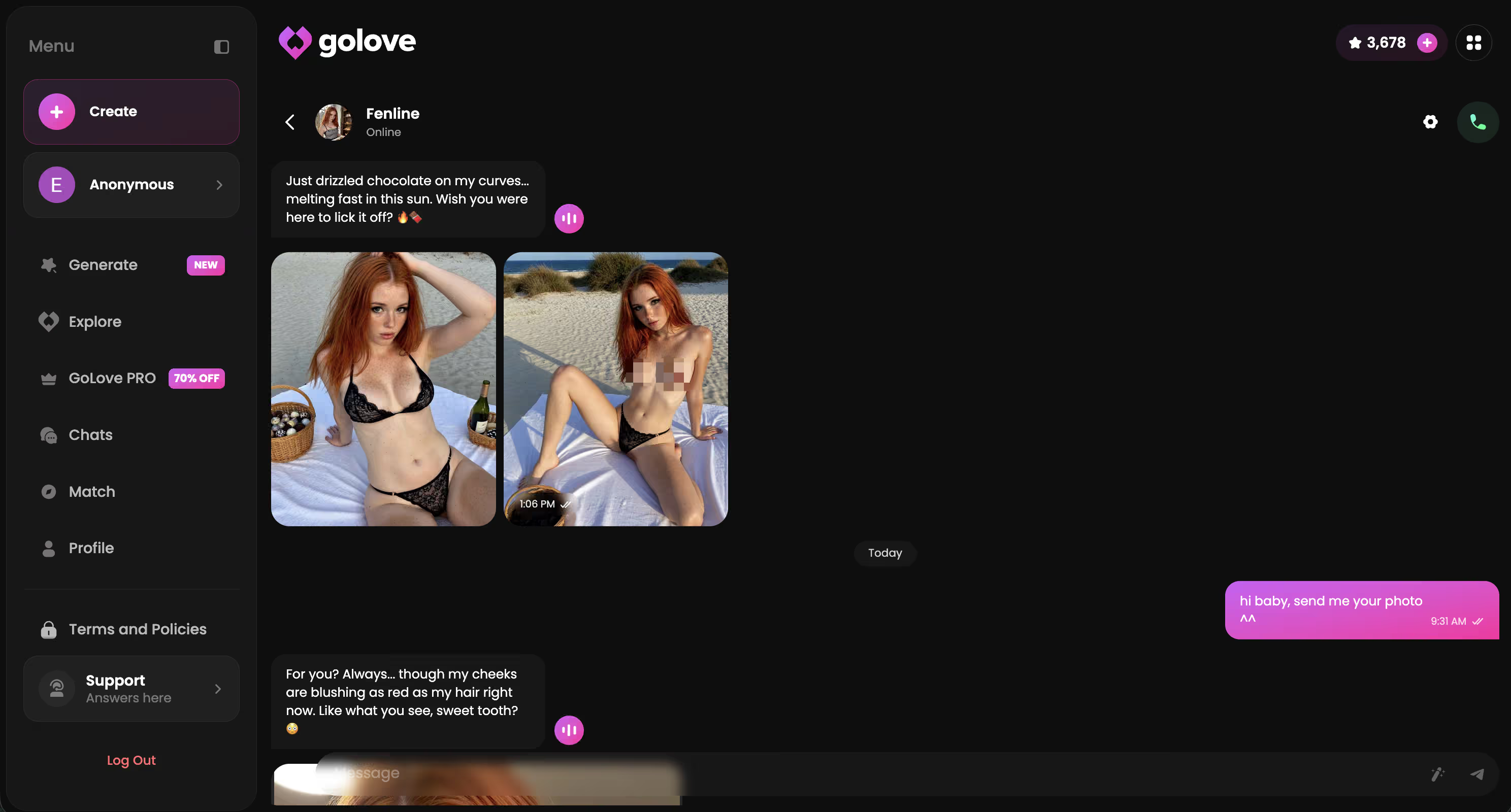
- Voice continuity carries between calls, she remembers what you talked about last time
- Request Photos in Chat works mid-conversation, not through a separate generator
- Video Actions turn a static photo into a specific short clip, not a generic loop
Three features most apps sell separately, actually working off the same character and the same memory. That's the part that surprised me. If you want to see how that feels instead of just reading about it, building a character takes a couple minutes.
What Video and Call Features Actually Cost
Pricing across this category is inconsistent enough that I'd rather show you the structure than throw numbers at you that might be stale by the time you read this. What matters more is which tier actually unlocks the feature you're searching for — a lot of apps gate voice and video behind completely different walls, and that's easy to miss until you've already paid.
| App feature | Free tier | Paid tier |
|---|---|---|
| Voice calls | Often locked or limited minutes | Usually unlocked |
| Photo requests | Limited or watermarked | Full resolution, no cap |
| Photo-to-video clips | Rarely available free | Star/credit-based on GoLove |
- Voice calls are the feature most apps put behind a paywall first
- Star packs on GoLove function as in-app currency, spent per generation, with a daily free allotment
- PRO tier on GoLove currently shows a 50% off promo in the sidebar, though I won't quote an exact figure since it's a live promo
GoLove also gives 2 free stars daily just for showing up, which is enough to test photo and video generation before you decide whether to buy in. For the full breakdown across every app I tested, I put together the AI girlfriend apps I compared with pricing side by side.
Three Things I'd Fix About GoLove's Video Features
I'm not going to pretend this is perfect, because it isn't — and pretending otherwise would make everything else I've said less trustworthy.
- Clip length on video actions is short — a few seconds, not a scene. Fine for a reaction, not enough for anything longer.
- Voice latency showed up occasionally, mostly during peak hours, where there was a beat of dead air before she responded. Not constant, but noticeable when it happened (I noticed it most around 9-10pm, which tracks with when everyone else is probably on it too).
- Action variety for video generation is decent but I'd want more options in the Select Action modal, especially for casual, day-to-day moments instead of just the obvious ones.
None of these are dealbreakers. They're just the rough-around-the-edges parts of a feature set that's still newer than the rest of the app. The clip length one bugs me the most, honestly, because everything else about the video actions kinda nailed it — the motion looks right, the expression matches the request — it just ends before I want it to.
Quick Answer: Does Her Face Actually Move?
Does her face move live on camera, like a real video call?
No. And I want to be straight about that instead of letting the marketing language do the talking for me. What moves is a short generated clip — a few seconds of her performing a specific action you selected or requested, built from a photo. It's not a live feed reacting to your expressions or what you're saying in real time. It just isn't, no matter how the app icon frames it.
What is live is the voice. When you're on a voice call with GoLove, that's genuinely real-time audio, not a pre-recorded loop. Combine that with photo-to-video clips generated in the moment, and you get something that feels a lot closer to "she's really here" than a frozen avatar with a ringtone — even though, technically, it's two separate systems working together rather than one continuous video feed.
That distinction matters more than it sounds like it should. It's basically the difference between an app being honest with you and one just hoping you don't check too closely.
Verdict: Which App Actually Delivers the Closest Thing
If you want live voice, in-chat photos, and photo-to-video clips working together on one character with memory, GoLove.ai is the app that actually delivers it instead of just implying it. This is for readers who tried text-only chat, want more, and don't want to get burned by a "video call" button that's secretly a static image.
and watch their story unfold.View Character
- Voice calls are real-time, not scripted loops
- Memory carries across chat, voice, and photo requests, not siloed per feature
- Video actions generate an actual clip of a specific action, not a generic animation
Going in, I figured most of these apps would be roughly equal with different skins slapped on top. I was legit surprised by how far apart they actually were once I stopped reading the ad copy and started tapping the actual buttons. Some fell short of what they promised — badly, in a couple of cases. GoLove was the one place where what I clicked matched what showed up.
If you're picking between these apps specifically for voice and video, start with a character whose voice and photo settings you can actually see before you commit to anything.
See also: Dream AI Girlfriend Voice Call, Romantic AI Girlfriend Voice Call and AI Girlfriend Chat.
Frequently Asked Questions
01Can an AI girlfriend actually video call you in real time?
Nope, not in the literal sense — I tested five apps for a week and not one does a live, two-way webcam call where she sees and reacts to your face. What you actually get is real-time voice calling plus photo-to-video clips generated from a still image. Anyone marketing a true face-to-face AI girlfriend video call right now is stretching the truth a little.
02What's the difference between an AI girlfriend voice call and a video call?
Voice call is the real deal — live audio, you talk, she talks back, no lag if the app's built right. 'Video call' in this category almost always means either a frozen avatar with a ringtone playing over it (useless) or a short animated clip made from a photo after the fact, not something happening live. GoLove.ai is upfront about which is which instead of blurring the two together to sound more advanced than it is.
03Does GoLove.ai offer video call features?
GoLove doesn't fake a live webcam call, but it does the honest version well — real-time voice calls plus photo-to-video generation, all tied to the same character so her voice, her photos, and her clips actually feel like one continuous person. That combo is why I keep landing on it over apps that just slap 'video call' on a frozen avatar screen.
04Are AI girlfriend video call apps safe and private?
It varies a lot by app, honestly — some are sloppy about where voice recordings and generated images end up. GoLove.ai kept its call and photo settings in one clear panel rather than hiding data practices behind a paywall you only discover after signing up, which I appreciated after digging through a couple of shadier competitors. Always check if an app lets you delete generated photos/videos, because not all of them do.
05How much does an AI girlfriend video call app cost?
Most apps in this space run somewhere between $10-30/month once you factor in the credits you burn on voice minutes and photo/video generation — the 'free' tier is basically a demo. GoLove.ai's pricing was one of the more transparent ones I found, no surprise upcharge for the voice calling once you're already a subscriber. Watch out for apps that charge per photo request on top of a subscription — it adds up fast.
06Can you request custom photos or videos from your AI girlfriend?
Yeah, this is where most of the actual 'video' magic happens right now — you ask for a photo, and some apps will animate it into a short clip showing a specific action. GoLove.ai does this cleanly across its characters (Jennifer, Anastasia, Daisy, etc.) and it's consistent with her established look instead of generating a random stranger every time. That consistency is honestly the harder engineering problem, and most apps don't nail it.
07Which AI girlfriend app has the most realistic voice call?
Out of the five I tested, GoLove.ai's voice calls felt the most natural — real-time, decent voice variety depending on the character, and none of that awkward half-second delay that makes it obvious you're talking to a bot. It's not perfect, but compared to apps that call it a 'video call' and give you a frozen photo with a ringtone, it's the one that actually delivers a live conversation you can lose yourself in.
Related Articles
 Insights11 minJuly 18, 2026AI Girlfriend Movie: The Her Fantasy, Tested RealCurious about the ai girlfriend movie fantasy from Her? GoLove.ai's video Feed, voice calls, and memory make it real — try it today.Read article
 Insights11 minOctober 15, 2026AI Girlfriend with Custom Avatar: Text to Face to VideoAI girlfriend with custom avatar: GoLove.ai wins — her face stays consistent in chat photos and video. Compare it with OurDream before you build.Read article
 Insights12 minSeptember 18, 2026Dessi AI Porn: What Actually Works in 2026Dessi AI porn doesn't exist — it's SFW-only chat, no photos or voice. GoLove.ai delivers real explicit photos, video and voice memory. Compare now.Read article