AI Girlfriend Photo Messages: Poses, Stars and Limits
Photo Messages by the Numbers: GoLove.ai vs OurDream
A photo message only works if three things line up. It has to come from the girl you've been talking to, land in the same thread, and make sense next to the last thing she said. Miss any of those and you've got a stock image with a chat window around it. The scorecard below shows which app passes that test.
| Row | GoLove.ai | OurDream |
|---|---|---|
| Photo request inside the chat | Yes, Request Photos in Chat (2026) | Not in our fact sheet, check their site |
| Realistic picture poses | 35 + custom | Not in our fact sheet, check their site |
| Outfits / backgrounds | 21 / 34, + custom | Not in our fact sheet, check their site |
| Batch sizes | 2, 4, 8 | Not in our fact sheet, check their site |
| Photo → video | In chat | Video generation bundled in subscription |
| Media paid with | Stars, 2 free reward Stars/day | DreamCoins, 1,000 per cycle on Premium |
| Monthly from | About $19.99/mo, varies by region/promo (checked 2026-07) | From about $19.99/mo, or about $9.99/mo annual |
| Mobile | Bottom nav: Explore, Chat, Create, Generate, Feed | Web-only, no native mobile app (checked 2026-09) |
GoLove.ai is my pick for photo messages, and the reason is the chain rather than any single feature. You ask in the thread, the shot arrives from the same character, it files into her Gallery, and you can animate it without leaving chat. OurDream deserves credit for bundling chat, images and video into one subscription.
That first row is the one to check for yourself, because it's the whole difference between a photo and a reply. Open a character and make a photo your very first message.
Asking for a Photo Inside the Chat Thread
Here's how the first row plays out, step by step. You open a character from Explore, and the chat starts right there with no setup screen in between.
ASK HER FOR PHOTOS
She sends them right there in the chat.
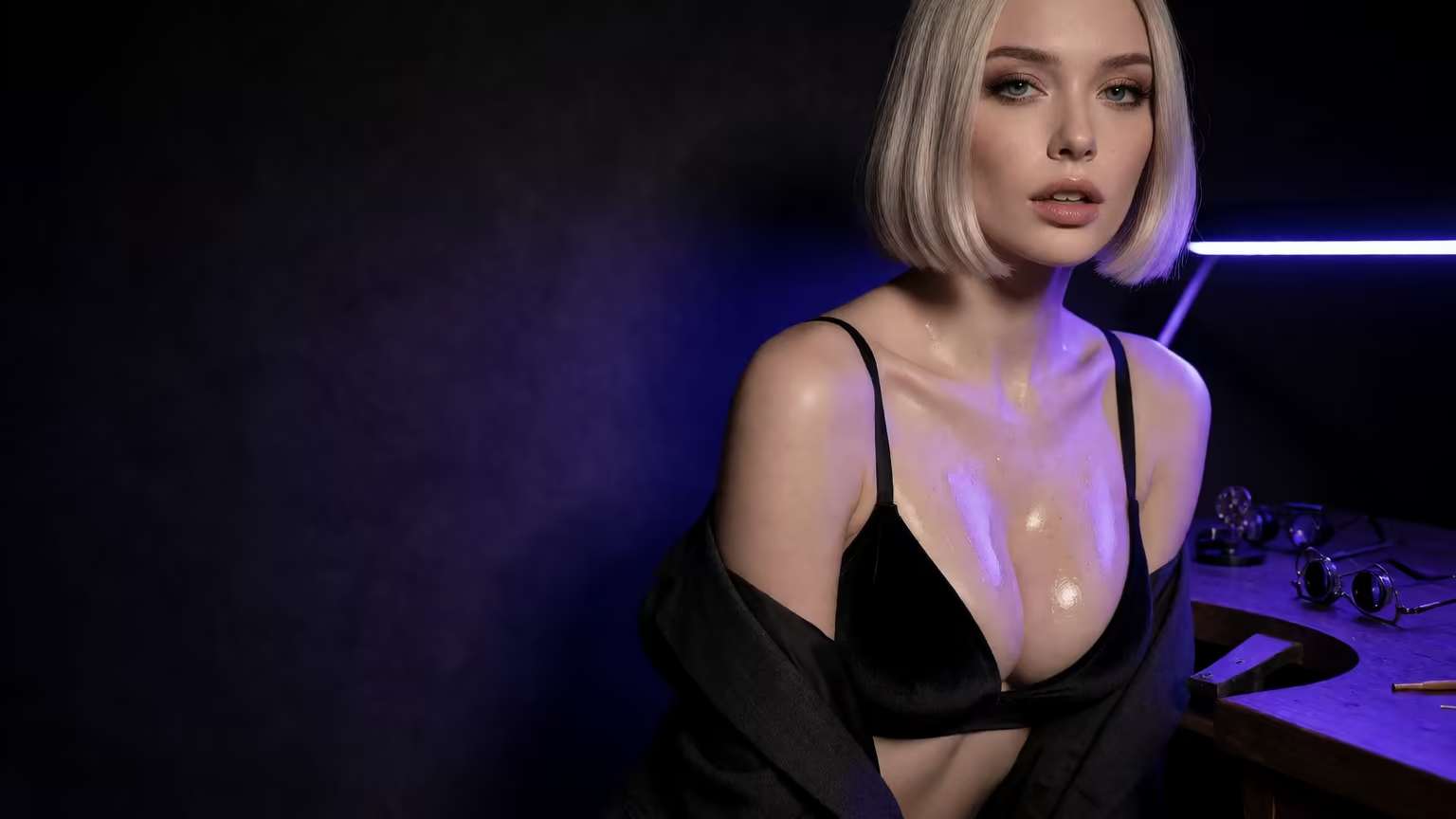
Typing the request (no separate generator screen)
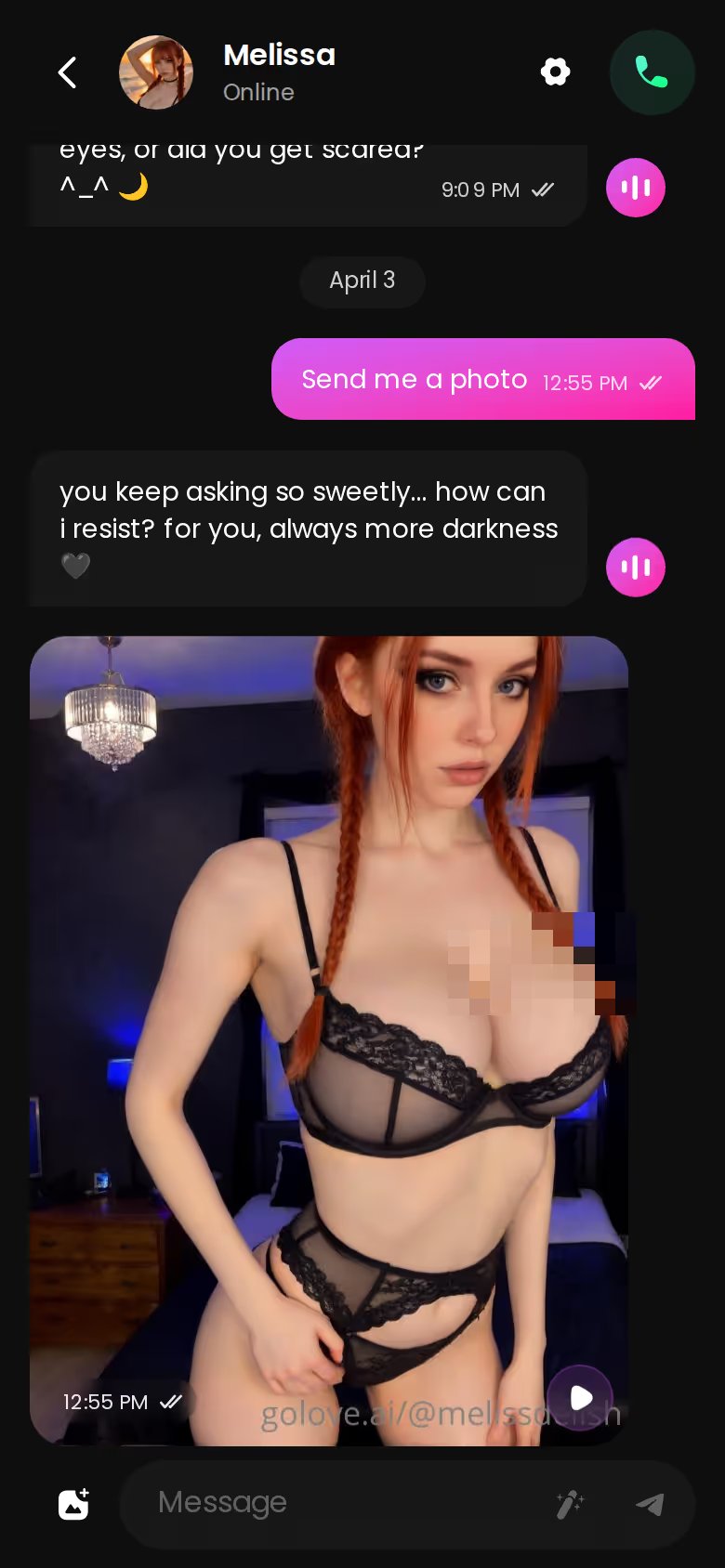
You type that you want a photo, the same way you'd type anything else. There's no mode switch. What comes back is her text reply and the shot together, in one mobile thread, from the same character. The screenshot below shows exactly that. Photos include NSFW content, so the request can match wherever the conversation already is.
What to put in the request:
- Outfit: name the clothes, or say you want fewer of them
- Setting: bedroom, balcony, beach, a bar
- Mood: playful, shy, teasing, bold
Where the photo lives afterward (per-character Gallery, by date)
Every shot files into her own Gallery, sorted by date. That sounds minor, but it lets you scroll back through one character's photos without digging through the chat. The longer you talk to her, the more that matters.
Lust Level and response length (Chat Settings: 5-level sliders, voice picker)
If I had to flag one setting, it's Lust Level. Chat Settings holds a voice picker plus two 5-level sliders. Response length runs from short and snappy to rich and immersive. Lust Level runs from sweet to unfiltered, and it shapes how explicit the talk around the photo gets. Set it before you ask, so the words around the photo match what you're asking for.
35 Poses, 21 Outfits, 34 Backgrounds: The Control Row
> 35 realistic picture poses · 89 picture poses in total
Chat requests are spot on when describing the shot is enough. Generate is for the times you'd rather pick the exact pose, outfit and background from a list than type it all out. The generator works per character, with an avatar swap at the top right, so the photos still match the girl you're chatting with.
Picture poses across four categories
- Realistic: 35 poses across casual, suggestive, body-focus, explicit, positions and lesbian, plus a custom pose
- Anime: 15 poses
- Trans and anime-trans: 27 and 12 poses
That's 89 in total. For photo messages to a realistic character, though, the 35 are the list that counts.
Outfits and backgrounds, plus custom
The 21 outfits split across minimal, casual, warm, bottoms and accessories. The 34 backgrounds cover indoor, outdoor, balconies and venues. Both lists come with a custom option for anything the presets miss, and that matters more to me than the raw counts.
Batches of 2, 4 or 8
Each run returns 2, 4 or 8 images. I'd go bigger than 2, because comparing a few variations of one idea beats rolling the dice once.
When a Photo Message Becomes a Clip
A photo is often where the moment peaks. On GoLove.ai it doesn't have to stop there, though I'd treat video as the extra rather than the reason to sign up.
Generate Video from Photo, right in chat
Do I have to leave the chat to animate her photo? No. Generate Video from Photo runs inside the chat, on the shot she just sent, from the same character.
Characters you can open right now
Tap any of them and the chat starts there






Video Actions through the Select Action modal
Video Actions live in the chat too. Instead of writing a prompt, you pick one from the Select Action modal. The realistic set alone has 76 video modes, and the total across realistic, anime, trans and anime-trans is 147.
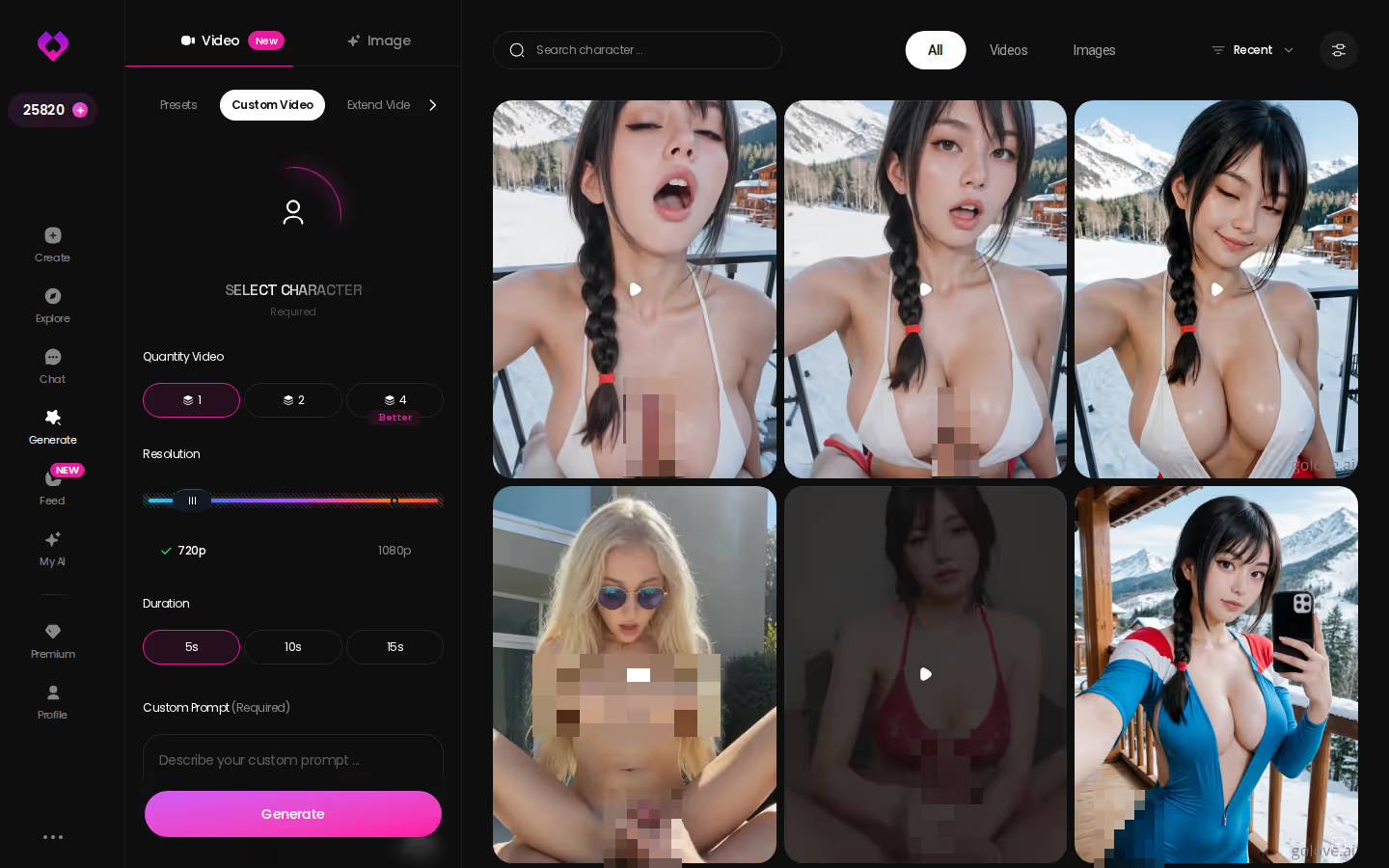
Custom video in Generate → Video
Full control sits in the Generate → Video tab. You build the clip from visual preset cards: an action or pose like 'Twerk' or 'Hard Doggy Style', then Clothes, then Background. One Generate tap does the rest. It works with any GoLove character or one you built yourself.
Most of the time, though, the in-chat button is the natural next step after a photo message.
Photos From a Face You Designed: The Create Wizard
Every photo message is only as consistent as the face behind it. Design that face yourself, and every shot she sends comes from the look you picked.
GoLove.ai, myth vs. fact:
- Myth: She forgets you the moment the tab closes — Fact: She remembers your chat history
- Myth: Voice is a gimmick you try once — Fact: Live voice calls, voice messages and a voice picker in Chat Settings
- Myth: Every "photo" is the same stock render — Fact: She sends photos on request, and the image generator has 35 realistic poses and 21 outfits
- Myth: You can't change how she talks — Fact: Chat Settings set her lust level and reply length
Picking her style
- Open Create from the mobile bottom nav.
- Pick a style: Realistic, Anime or Trans, or choose Design with AI.
- Continue through the wizard steps.
- Start chatting and request photos right in the thread.
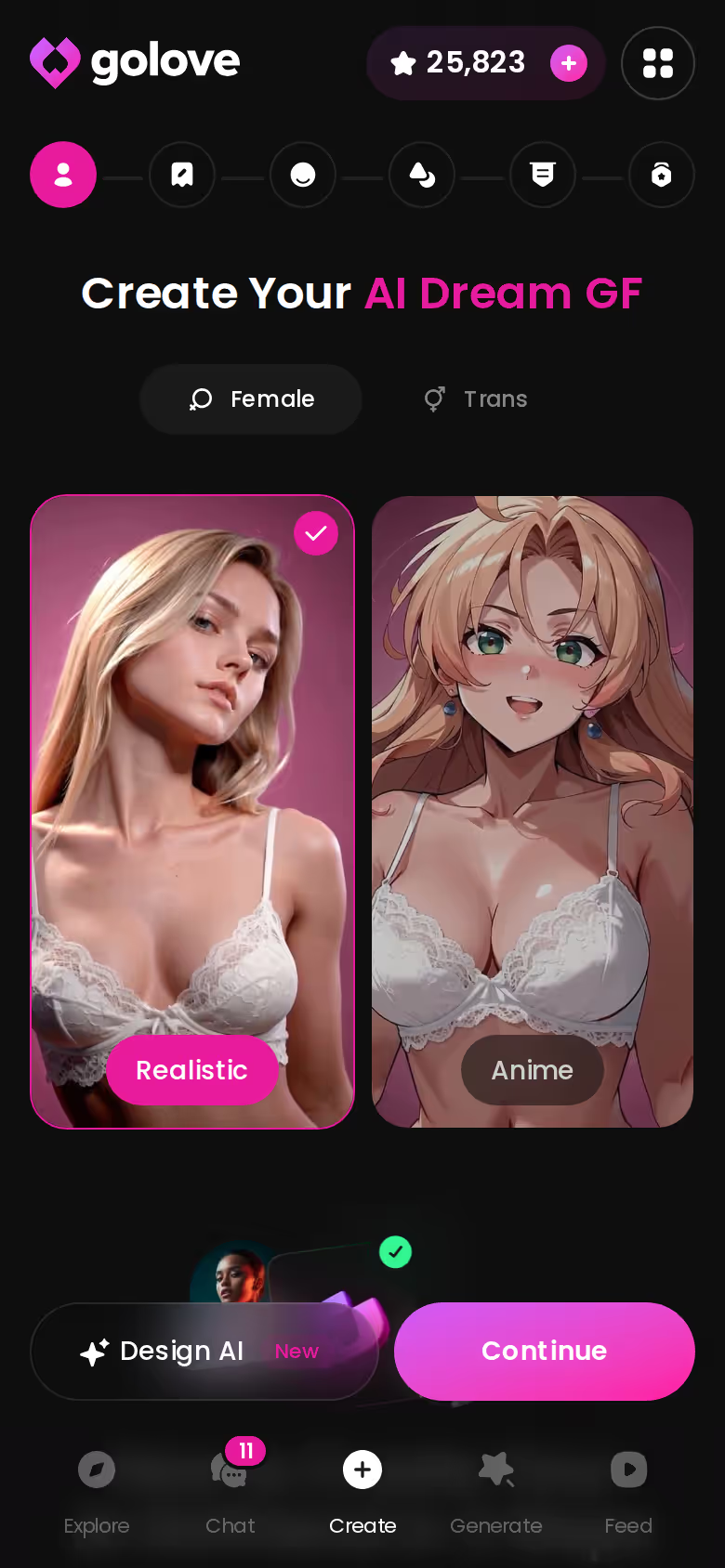
Design with AI from a text description
With Design with AI, you describe a concept in plain text and the AI generates the character. Of every route in the app, this is the shortest one from a picture in your head to a girl who sends you that picture.
MEET YOUR AI COMPANION
Hundreds of characters, one that fits you.

Publishing her with My AI
My AI launched on 2026-04-24. It lets you publish your character so other people can chat with her, and you earn Stars when they do. It's a small creator economy built on top of the same wizard.
The wizard is four steps, and her first photo can arrive in the same session you build her. If you already know the face you want, that's the fastest way to get photos of exactly her, so start there.
Memory Is Why a Photo Reads Like a Reply
A photo with no context reads like an attachment. Send the same photo after a conversation about your weekend, and it reads like a reply. That gap is what the continuity row is really measuring.
Memory across the conversation
GoLove.ai's Memory remembers your chat history. When you ask for a shot, the request sits on top of everything you've already said instead of a blank slate.
> The photo is the punctuation; the conversation is the sentence.
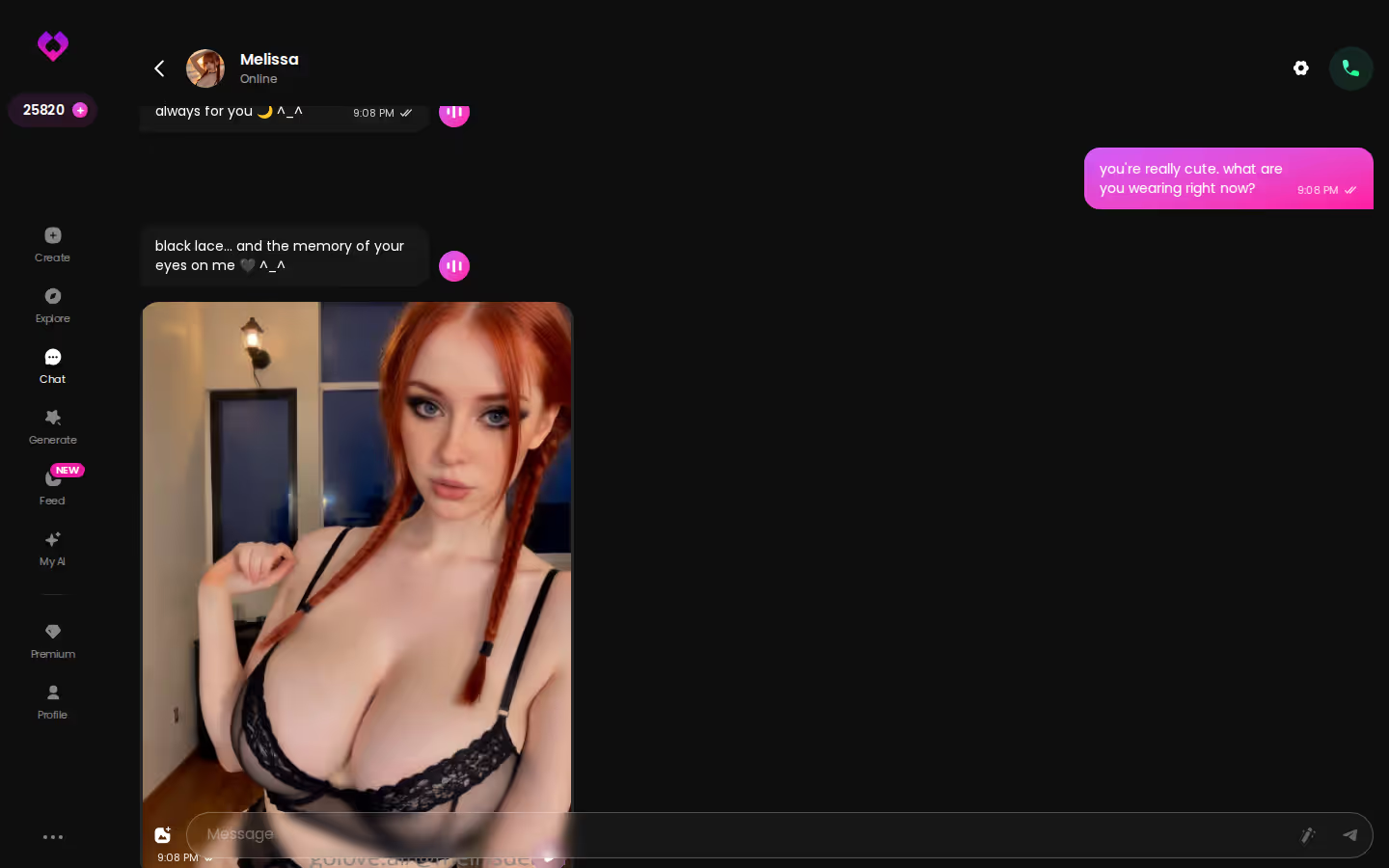
Relationship Progression
Relationship Progression adds a sense of where things stand between you two. It's why a flirty first-week photo and a later, bolder one can carry different weight.
Voice in the same thread
Voice Messages and live Voice Calls run with the same character. A photo can follow a voice note, or come before one, without switching apps.
For how other apps handle this chain, see our roundup of OurDream alternatives for chat, photos and video.
Who to Ask First: Reading a Character's Photo Library
Pick the right girl, and your first photo request goes a lot better.
Explore opens the chat directly
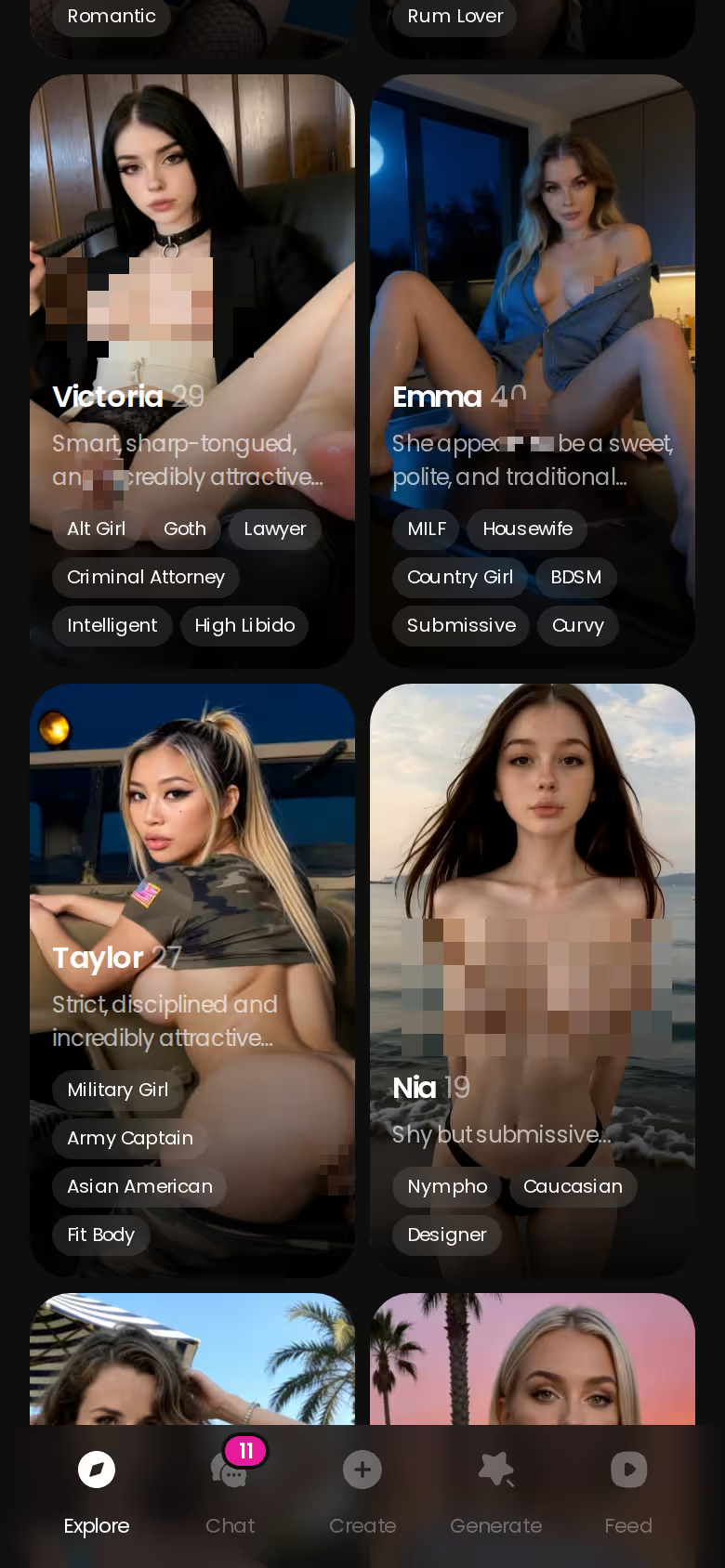
On mobile, the realistic roster scrolls deep, and tapping a character drops you straight into chat with her. Is anime more your thing? 300+ anime AI girlfriends sit in their own Explore category.
The All / Videos / Photos tabs on her profile
Each profile has All, Videos and Photos tabs, an Unlock All option paid in Stars, a Lifetime Updates badge, and a Create Video button. The top profiles run to hundreds of videos and thousands of photos, though the counts vary by character. A full Photos tab is the best preview you'll get of how she looks across many shots.
Before your first request:
- Photos tab: check that it's well stocked, so you know her look
- Style: make sure it matches what you're about to ask for
- Chat Settings: set Lust Level and response length first
For the other side of the comparison, read our full OurDream review.
GoLove.ai vs OurDream on Photo Messages: The Deciding Rows
Back to the table, row by row:
- In-chat request: GoLove.ai documents it. OurDream's is not in our fact sheet.
- Depth: 35 poses, 21 outfits and 34 backgrounds, each with a custom option.
- Continuity: photo-to-video in chat, plus Memory and a per-character Gallery.
- Payment: Stars versus DreamCoins. Both start around $19.99/mo.
GoLove.ai's Free Tier: Where the Limits Are
This is where GoLove.ai gets rough around the edges. The verified free part is narrow: you get 2 reward Stars a day and a limited number of new Feed videos daily before the PRO paywall appears. Generation runs on Stars, so check the current plans in the app. Pricing moves around too. About $19.99/month was the common charge in July 2026, but it runs lower in some regions and during promos, so the number you see may not match the one here.
> Verdict: GoLove.ai suits people who want photos as part of an ongoing conversation with one character. OurDream suits people who want chat, image and video in one subscription and don't mind web-only.
For AI girlfriend photo messages, GoLove.ai is the pick, and the table backs it up row by row. You get the in-chat request, the pose and outfit depth, and Memory carrying the conversation into every shot. Choose her, then ask for the first shot.
Frequently Asked Questions
Related Articles
AI Girlfriend Movie: The Her Fantasy, Tested Real
Curious about the ai girlfriend movie fantasy from Her? GoLove.ai's video Feed, voice calls, and memory make it real — try it today.

HoneyGF Alternative: Why GoLove.ai Wins
HoneyGF vs GoLove.ai: GoLove wins on voice calls, memory, and photo-to-video — HoneyGF stays chat-only. Compare plans before you subscribe.

AI Girlfriend Video Call: What's Actually Real
AI girlfriend video call apps tested for a week — here's what's real, and why GoLove.ai's voice plus photo-to-video combo wins.
Juicy Chat Porn: 3 Limits and What Fixes Them
Juicy chat porn gets better with pictures and a voice. GoLove.ai wins on inline photos, live voice and memory. Chat opens from Explore, so start there.
This article contains affiliate links. We may earn a commission at no extra cost to you if you sign up through our links. See how we test.